Urgent Care EHR Software

Who schedules appointments during emergencies? Do you? Stop using software that expects you to. Your clinic runs on walk-ins, weather patterns, and flu seasons. OmniMD is the only urgent care EHR built around that reality.


Request Free Demo Get Pricing
  • Trusted by 12,000+ Providers in 600+ Clinics
NYUC
Urgent Care EHR Software Dashboard - OmniMD

3.8 min

Average door-to-provider
time

97%

First-pass claim
acceptance

62%

Reduction in documentation time per visit

500+

Urgent care sites running OmniMD today

Walk-in workflow

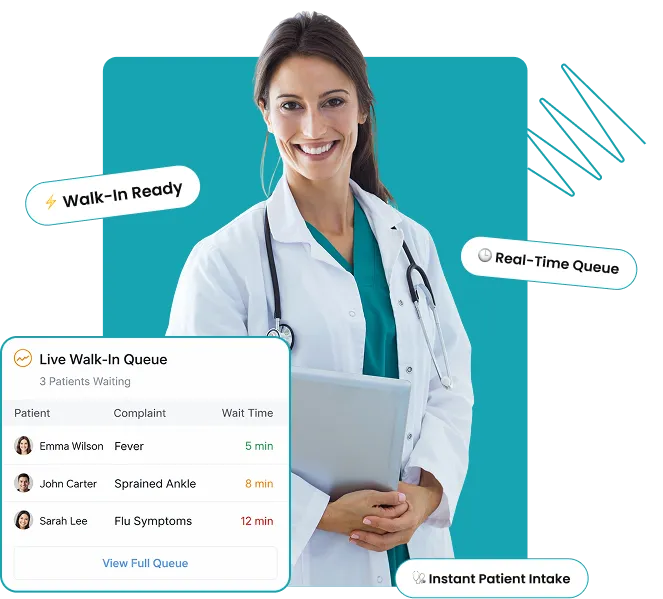
From Arrival to Provider-Ready in 60 Seconds:
The Urgent Care EHR Built for Speed

Registration, insurance verification, complaint-specific charting, and triage handoff run as a single connected sequence.

0:00

Patient registered without a prior record on file.

0:20

Insurance verified. Coverage gaps and out-of-network flags surface immediately.

0:45

Chief complaint selected. Template loads with only the fields relevant to that presentation.

1:00

Vitals and ESI score push directly to the provider chart.

Features

The Urgent Care EHR With Everything Your Clinic Runs On

AI for medical coding is a complete reimagining of how clinical documentation becomes clean, compliant, and revenue-generating code.


Triage management
Triage management-1

Triage management

Acuity scoring, wait-time tracking, and provider assignment in one view. What triage enters, the provider sees instantly.


Pre-built complaint templates-icons
Pre-built complaint templates

Pre-built complaint templates

The top 50 urgent care presentations ship with complete templates. Only fields relevant to that complaint are shown.

ream-time-svg
Pre-built complaint templates

Real-time insurance eligibility

Coverage verified at registration. High-deductible flags and out-of-network alerts reach the front desk before the visit begins.

Surge queue management-icon
Pre-built complaint templates

Surge queue management

Queue rebalances automatically during volume spikes. Provider assignments adjust in real time. Wait-time alerts reach staff before patients notice.

Procedure and supply capture-icon
Pre-built complaint templates

Procedure and supply capture

One tap logs a procedure, generates the billing code, and flags billable supplies. Nothing leaves the encounter unbilled.

digitalicon
Triage management-1

Digital discharge and employer docs

Condition-specific discharge instructions, return-to-work letters, and activity restrictions generate at chart close. Patients sign digitally.

Medical Billing

Workers’ compensation, occupational health, and facility fees in the base Urgent Care configuration

Split billing, workers’ compensation modifier logic, and occupational health documentation are included on day one across every site in the network.

97%

First-pass claim acceptance. Workers’ compensation modifier errors and facility fee mismatches caught before submission

split

Split

Professional (provider’s work)  and facility (operational costs of the clinic) fees separated automatically on every chart

live

Live 

Eligibility confirmed at registration. Coverage status reaches the front desk before the patient is seen.

Urgent Care EHR Key Capabilities

AI Front Desk

Patient Intake trained on urgent care visit patterns

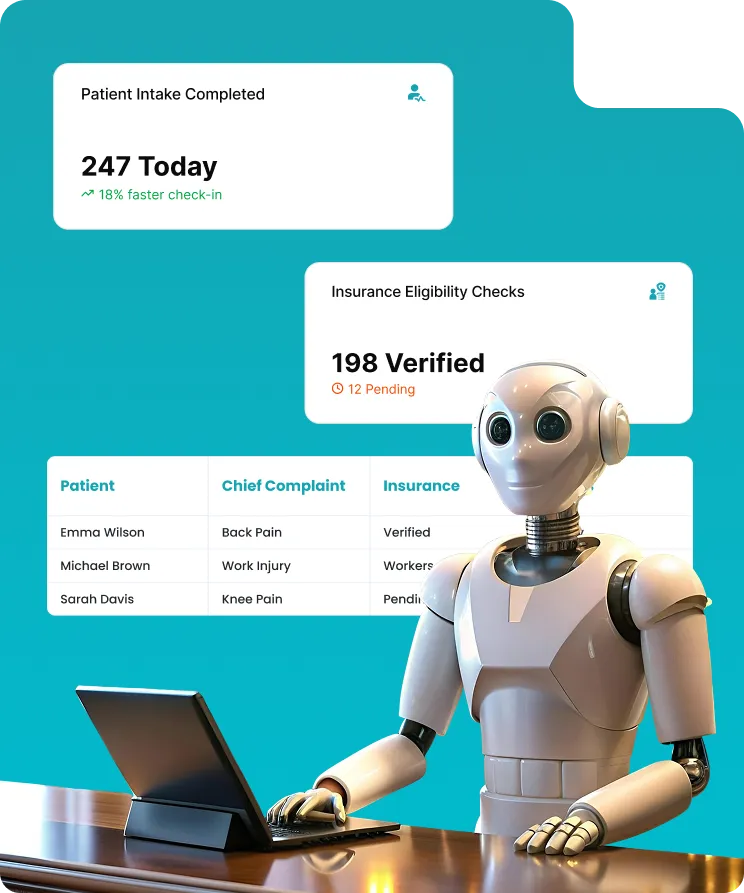
OmniMD’s AI front desk captures chief complaint, reason for visit, and employer information at arrival, with automatic insurance eligibility checks and workers’ compensation intake routing. Useful on the first day of go-live.

Layer_1

SOC 2 Type II

Patient data never used for model training

Visit types icon
Visit types covered
Walk-in with chief complaint capture
Work-related injury with employer lookup
Occupational exposure intake
Workers’ compensation visit routing
Returning patient fast-track check-in
Pediatric urgent care registration
Self-pay and sliding-scale visit intake
Group
Multi-location

From Arrival to Provider-Ready in 60 Seconds:
The Urgent Care EHR Built for Speed

Registration, insurance verification, complaint-specific charting, and triage handoff run as a single connected sequence.

unified

Unified patient record

A patient seen at any location has one chart shared across the network. No calls between sites, no reconstruction from memory.

centralized

Centralized credentialing

Provider clearance applies across every site where privileges are held. Floating providers carry their credentials automatically.

staff

Staff permissions follow the person

One login works at any location in the network. No requests when staff rotate between sites.

Employer documentation at chart close

Employer documentation at chart close

Return-to-work letters and First Report of Injury forms generate automatically, formatted to the patient’s state requirements.

Your Urgent Care Practice. Upgraded

Download E-Guide

Real Stories From Medical Practices Thriving With OmniMD

Frequently Asked Questions

Rapid test-order sets, auto-triggered by symptom clusters, enable high-throughput testing. Our system also auto-generates batch lab requisitions and result flags to simplify response during outbreaks or seasonal surges.

Yes. Even in the absence of longitudinal continuity, our urgent care software references prior episodic prescriptions to flag interactions, duplicate therapies, and refill patterns, enhancing safety in repeat walk-ins.

Yes. Procedure-level documentation includes start/stop times, anesthetic use, and aftercare instructions, all mapped to CMS global period rules to prevent bundling errors and lost revenue.

By using adaptive documentation modes, our platform reduces data entry friction during back-to-back visits. Templates shrink or expand based on presenting complaints, and voice dictation integrates contextually.

Yes. Integrated smart routing matches clinical impressions with local referral networks, auto-attaches documentation, and tracks hand-offs, reducing leakage and strengthening continuity.

Our system flags high-frequency encounters and overlays longitudinal insight onto episodic workflows, enabling more informed decision-making while still respecting urgent care’s time constraints.

Yes. Vaccine workflows are preloaded with urgent care-relevant options, including travel vaccines, boosters, and employer-mandated series. Built-in lot tracking and expiry validation ensure regulatory alignment.

Urgent care clinics in the United States use EHR systems built for high-volume, walk-in patient throughput with support for ESI triage documentation, chief complaint-driven templates, in-house lab and imaging orders, and urgent care-specific CPT billing codes including S9083 (facility fee) and 99202-99215 (E/M codes). OmniMD is used by freestanding urgent care centers, hospital-affiliated clinics, and occupational health practices that need a single platform for clinical documentation, billing, and walk-in scheduling. General EHRs built for primary care require workaround templates that slow documentation during high-volume urgent care shifts.

Urgent care billing uses evaluation and management codes 99202-99215 based on medical decision-making complexity, facility fee code S9083 (HCPCS Level II, billed for urgent care center facility services), and Medicaid clinic visit code T1015. After-hours services add modifier codes 99050 (evenings and weekends), 99051 (Saturdays and holidays), and 99053 (10pm to 8am). Procedure codes depend on the service rendered: 12001-12018 for simple laceration repair, 10060-10061 for incision and drainage, 29105-29581 for splinting, and 81001-81003 for urinalysis. Lab rapid tests use 87880 (rapid strep) and 87804 (rapid influenza A/B). OmniMD assigns CPT codes from within the encounter documentation so coders do not need to re-review chart notes before claim submission.

Yes. OmniMD includes a dedicated workers’ compensation and occupational health visit type that captures the documentation required for employer reporting and claims submission. Providers can document work-related injuries, DOT physical examination findings, OSHA injury forms, and return-to-work status within the same EHR encounter workflow used for standard urgent care visits. Billing for workers’ comp encounters uses ICD-10-CM Z57.5 (occupational exposure) along with procedure codes appropriate to the injury type. Employer report generation and physician attestation are completed within the encounter before the visit closes, which reduces the follow-up documentation burden on urgent care staff.

Emergency department EHRs are built for high-acuity, trauma-level care with features like trauma documentation, resuscitation records, ventilator management, and inpatient admission workflows. Urgent care EHRs handle lower-acuity walk-in volume with fast-track workflows, high-throughput templates, walk-in queue management, and billing for HCPCS urgent care facility codes. The key documentation differences are ESI triage levels I-V (urgent care uses primarily III-V; ED handles I-II), rapid disposition to discharge or referral (urgent care), versus admission or observation (ED). Urgent care also has distinct billing requirements: S9083 is not used in ED billing, which relies on facility E/M codes 99281-99285. OmniMD is built for urgent care throughput and billing requirements, not inpatient or trauma-level care.

OmniMD captures ESI (Emergency Severity Index) triage level assignment at the point of intake. The triage provider enters the chief complaint, initial vital signs, and ESI level (I through V), which routes the patient into the appropriate care track: fast track for ESI III-V with lower acuity, main track for higher-acuity presentations. The ESI level is documented in a discrete field tied to the encounter, supporting retrospective analysis of visit acuity mix and payer mix by triage level. Chief complaint-driven templates activate based on the presenting complaint, so the provider sees pre-built documentation fields for the most likely diagnoses, exam findings, and orders without building a template from scratch during the visit.

Yes. OmniMD supports after-hours billing code assignment within the encounter workflow. CPT add-on code 99050 applies to services rendered after posted office hours on days the office is normally open. CPT 99051 covers services on weekends, holidays, and evenings. CPT 99053 applies to services rendered between 10pm and 8am. These codes append to the primary E/M visit code and require time-stamped encounter documentation to support claim submission. OmniMD automatically timestamps encounter start and close times, which provides the documentation needed to support after-hours modifier codes without manual time entry on the claim.